
Compatibility Guide
Charge smarter. Keep every setup simple.
A practical guide to choosing compatible chargers, cables, wireless charging accessories and portable power for the devices you use every day.
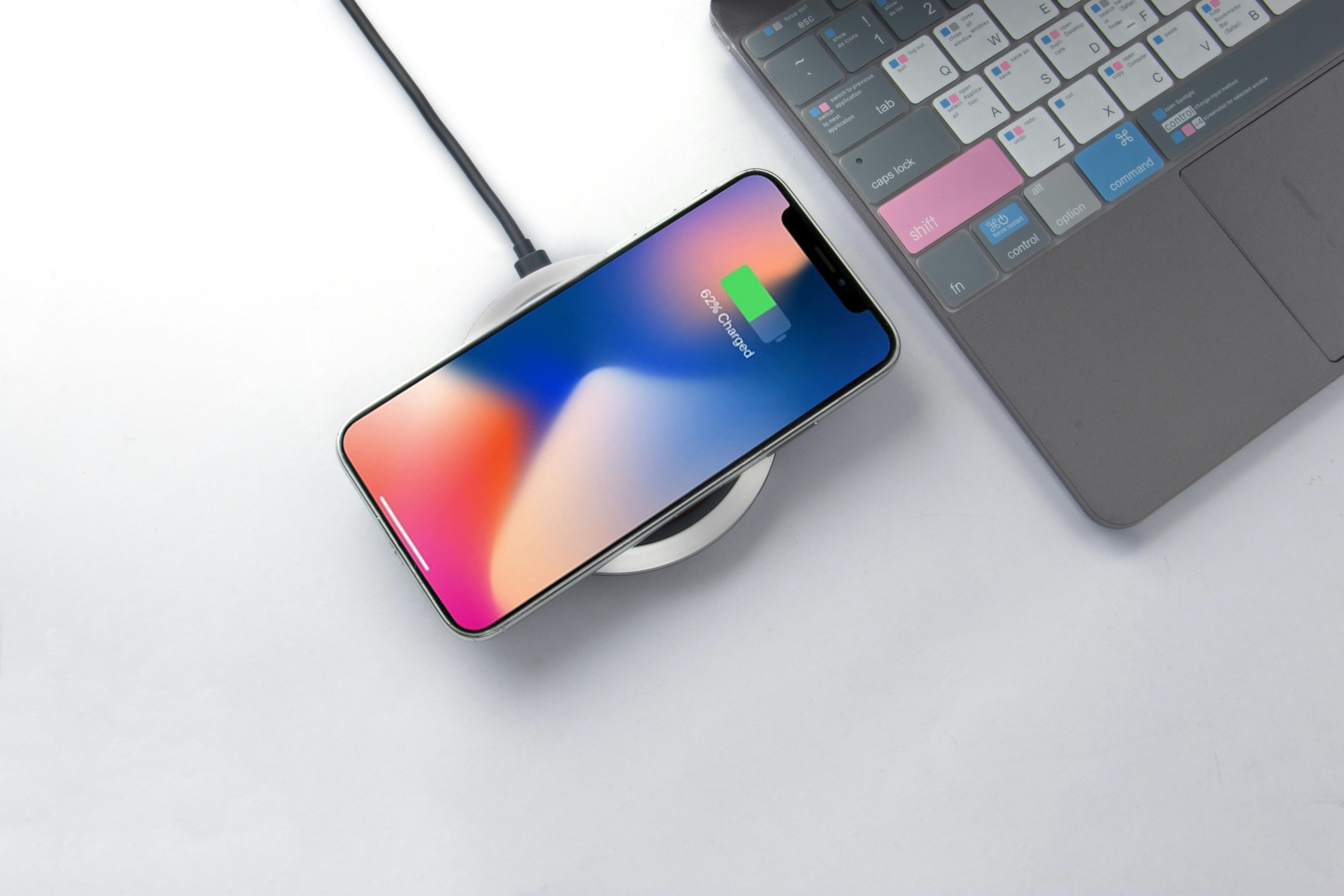
The three-part match
Start with compatibility, not speed.
A reliable charging setup begins with three pieces working together: the device, the power source and the cable or charging interface between them.
Know what the device accepts
Check the device manual, product label or manufacturer guidance for its connector type and supported charging requirements before choosing an accessory.
Match the power source
Confirm that the wall charger, charging station, wireless pad or power bank is intended to work with the type of device you plan to connect.
Do not overlook the cable
Connector shape alone does not tell the whole story. Use a cable intended for the charging requirement of your device and power source.
Before you connect
A quick charging check.
A few seconds of inspection can help you avoid common charging problems and keep your everyday setup easier to manage.
Correct connector
Make sure the connector fits normally without forcing, bending or excessive movement.
Compatible charging requirement
Compare the device guidance with the specifications listed for the charger or power source.
Healthy cable condition
Do not continue using cables with exposed wiring, severe bends, loose plugs or visible physical damage.
Clear wireless alignment
Position compatible devices correctly on the charging area and remove objects that interfere with contact or alignment.
Open ventilation
Keep charging devices and power accessories on a stable surface where heat is not unnecessarily trapped.
Dry surroundings
Keep charging equipment away from liquids and follow any environment restrictions stated in the product instructions.
Choose your setup
Wired, wireless or portable power?
There is no single charging method for every routine. The useful choice is the one that matches your device, environment and everyday needs.
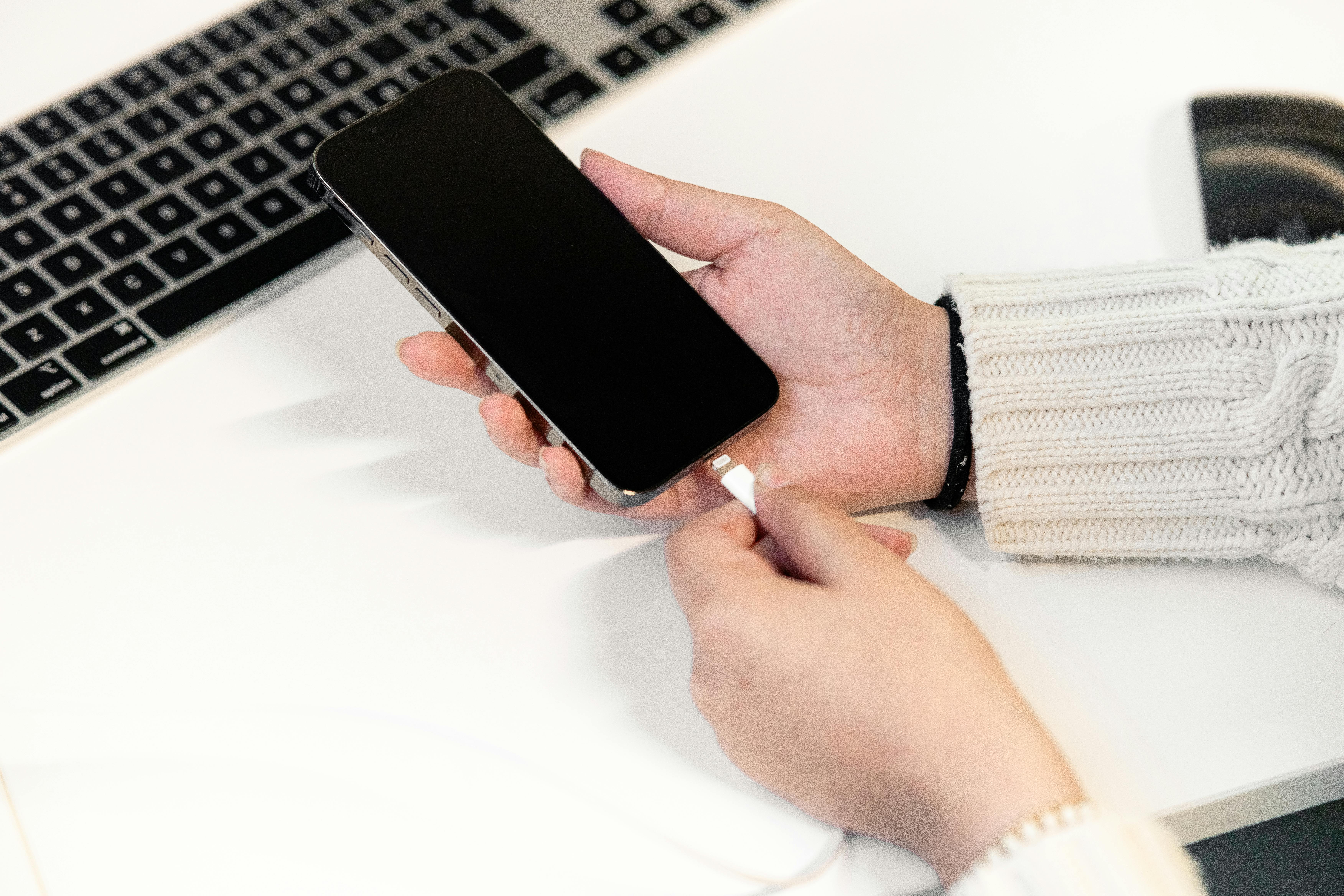
Direct connection
Wired charging
A straightforward choice for desks, bedside setups and travel. Match the cable connector and charging capability to both the device and power adapter.
Best habit: inspect frequently used cable ends for wear.

Cable-light setup
Wireless charging
Useful for convenient drop-and-charge routines when both devices support a compatible wireless charging method. Placement and accessory compatibility matter.
Best habit: center the device on the intended charging area.

Power on the move
Portable power
Power banks can keep compatible mobile devices available away from a wall outlet. Check both the power bank output and the device charging requirements.
Best habit: recharge and store portable batteries according to their instructions.
Everyday routine
Four simple steps for a cleaner charging routine.
01 · CHECK
Inspect the setup
Look at the charging port, cable, connector and power accessory before connecting.
02 · CONNECT
Connect normally
Plugs should connect without excessive force. Wireless devices should sit securely in the intended position.
03 · OBSERVE
Check that charging begins
Use the device charging indicator to confirm the connection is working as expected.
04 · STORE
Disconnect and organize
When finished, handle connectors by the plug rather than pulling on the cable and store accessories neatly.
If a device, cable, charger or battery is damaged, swollen, producing an unusual smell or becoming unusually hot, stop using it and follow the product or device manufacturer's safety guidance.
Battery care
Good habits matter more than charging myths.
Different devices manage their batteries in different ways. Instead of following one universal percentage rule, use the controls and recommendations provided for your specific device.
Follow the battery and charging guidance supplied by the device manufacturer.
Avoid unnecessarily trapping heat around a device while it is charging.
Use optimized or adaptive charging features when your device provides them and they suit your routine.
Replace physically damaged charging accessories rather than continuing to rely on a worn connection.
Charging away from home
Make travel charging easier to manage.
A compact charging kit can reduce clutter while keeping the devices you rely on ready for work, navigation, communication and entertainment.
List the devices you actually carry
Start with your phone, earbuds, watch, tablet or other essentials, then choose charging accessories around that real device list.
Check destination power needs
Outlet shapes and electrical systems vary by destination. Confirm whether your charging equipment needs an appropriate travel adapter.
Verify portable battery rules
Airline and transport requirements for portable batteries can vary. Check the current rules from your carrier or relevant transport authority before traveling.
Keep cables easy to identify
Organize cables by connector or device so you can quickly choose the correct one without repeatedly untangling your entire travel kit.
Common questions
Charging, clarified.
Device-specific instructions should always take priority, but these general principles can help you understand everyday charging decisions.
Can I use a charger with a higher listed power rating?
Many modern charging systems are designed so a compatible device and charger communicate about the power the device can accept. However, compatibility varies between products and charging standards, so confirm the specifications and instructions for your exact device, charger and cable.
Why can wireless charging feel different from wired charging?
Charging performance can be affected by device alignment, the wireless charger, its power source, protective cases, temperature and device activity. Use a compatible setup and follow the positioning instructions provided with the charger.
Can one charging station power several devices?
Use a multi-device charging station only for device types and combinations the station is designed to support. Check its instructions and total charging capabilities rather than assuming every port or charging area behaves the same way.
Is some warmth during charging normal?
Some devices and charging accessories may become warm during normal operation. If something becomes unusually hot, shows physical damage, swells, produces an unusual smell or behaves unexpectedly, disconnect it when safe to do so and follow the manufacturer's guidance.
Why does charging speed change during the same session?
Devices can adjust charging behavior according to factors such as battery level, temperature, current device activity and built-in battery management features. Refer to your device documentation if its behavior appears unusual.
When should I replace a charging cable?
Stop relying on a cable if you notice exposed wiring, a damaged connector, severe deformation, a loose connection or other visible damage. Follow any replacement guidance provided by the cable or device manufacturer.
NEXIVO Support
Need help matching a charger, cable or device?
If you are unsure which charging accessory is appropriate for your setup, send us the relevant device and accessory details and our support team can help you review your options.